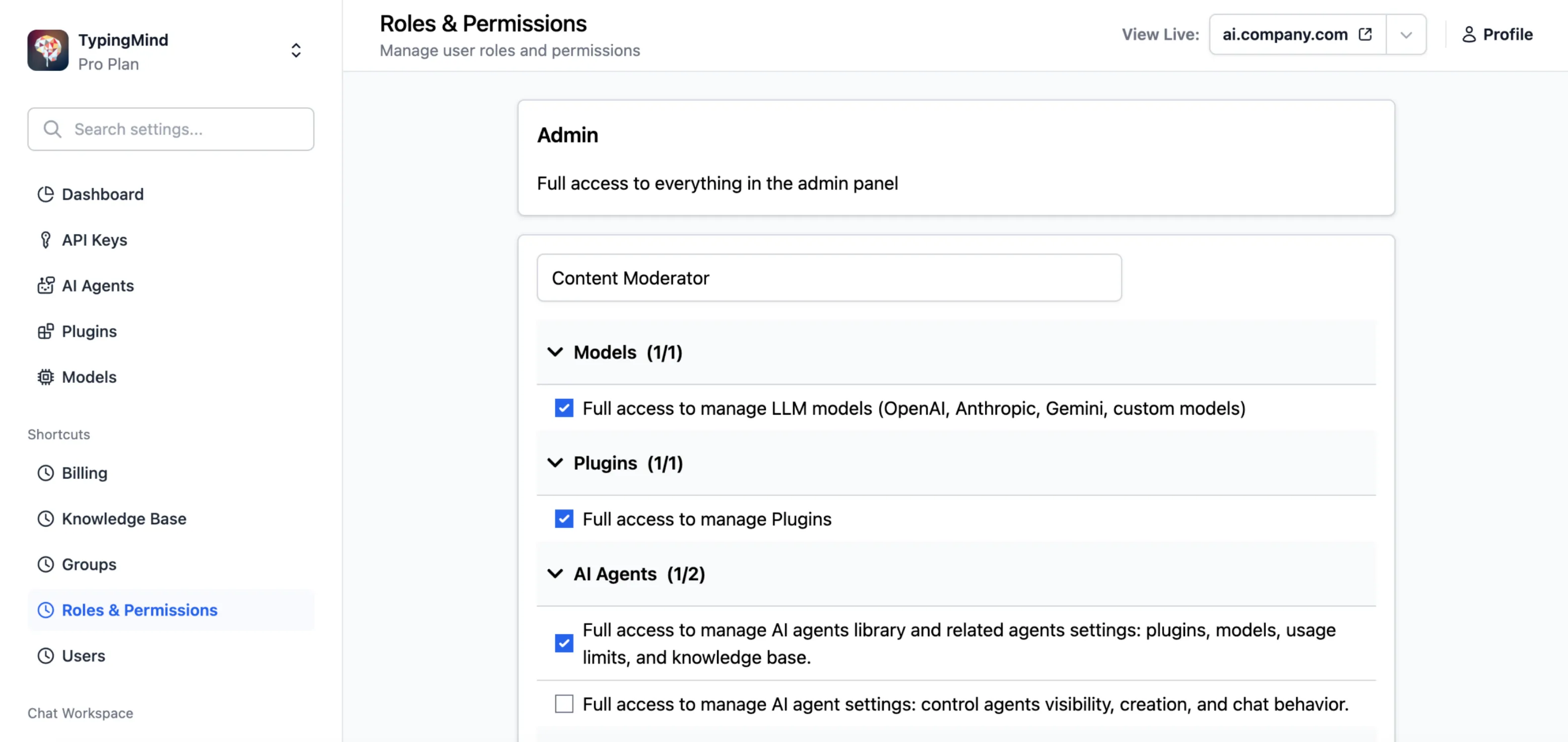
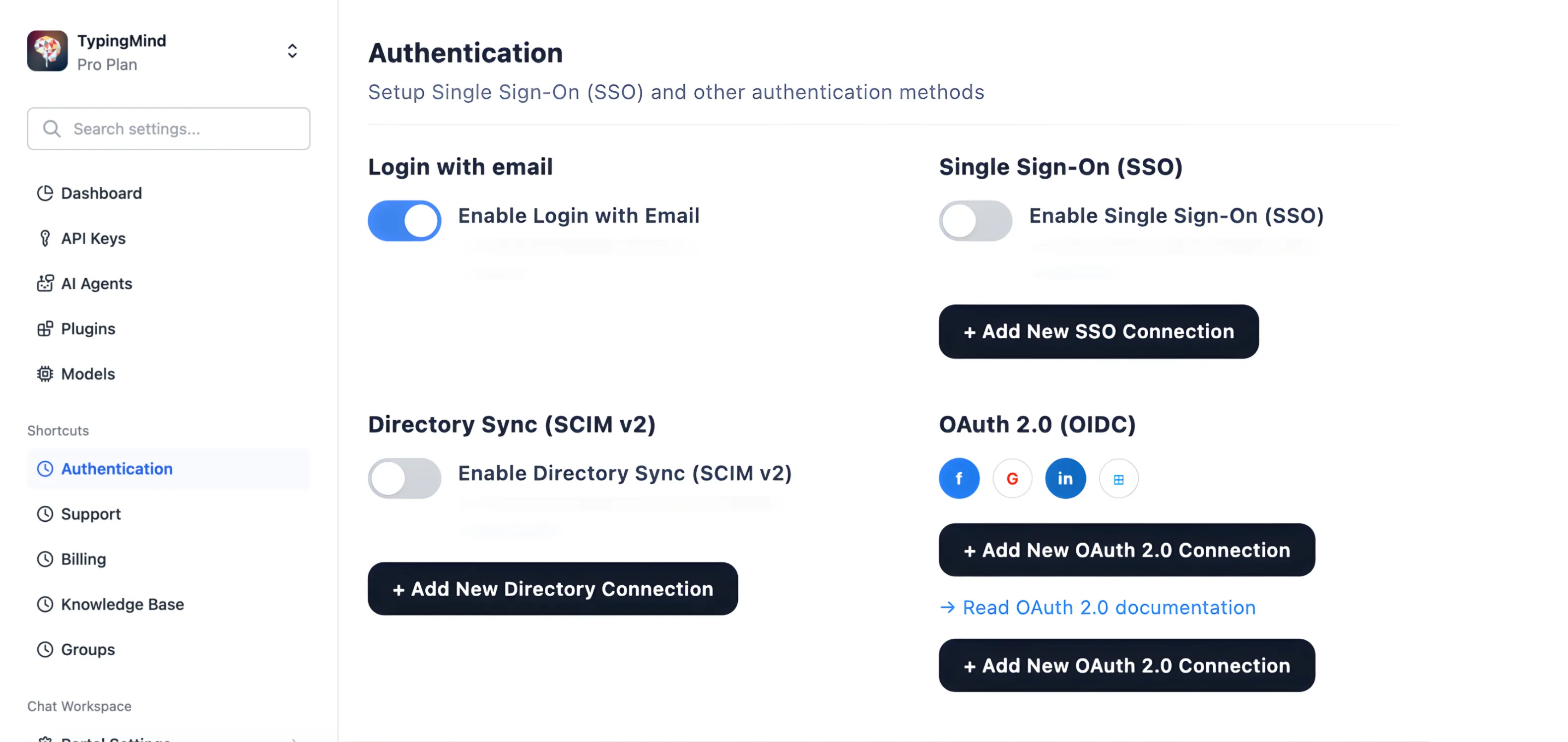
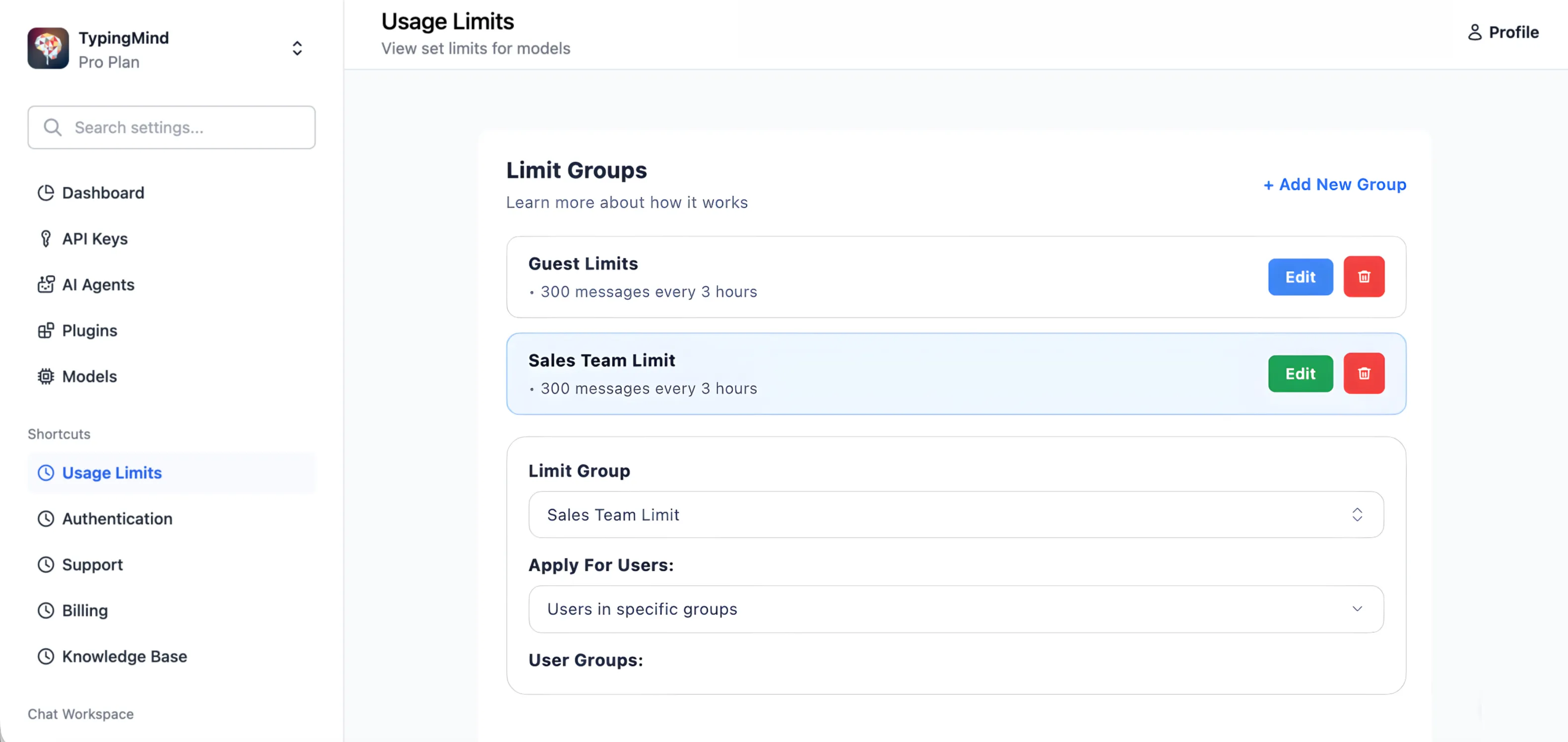
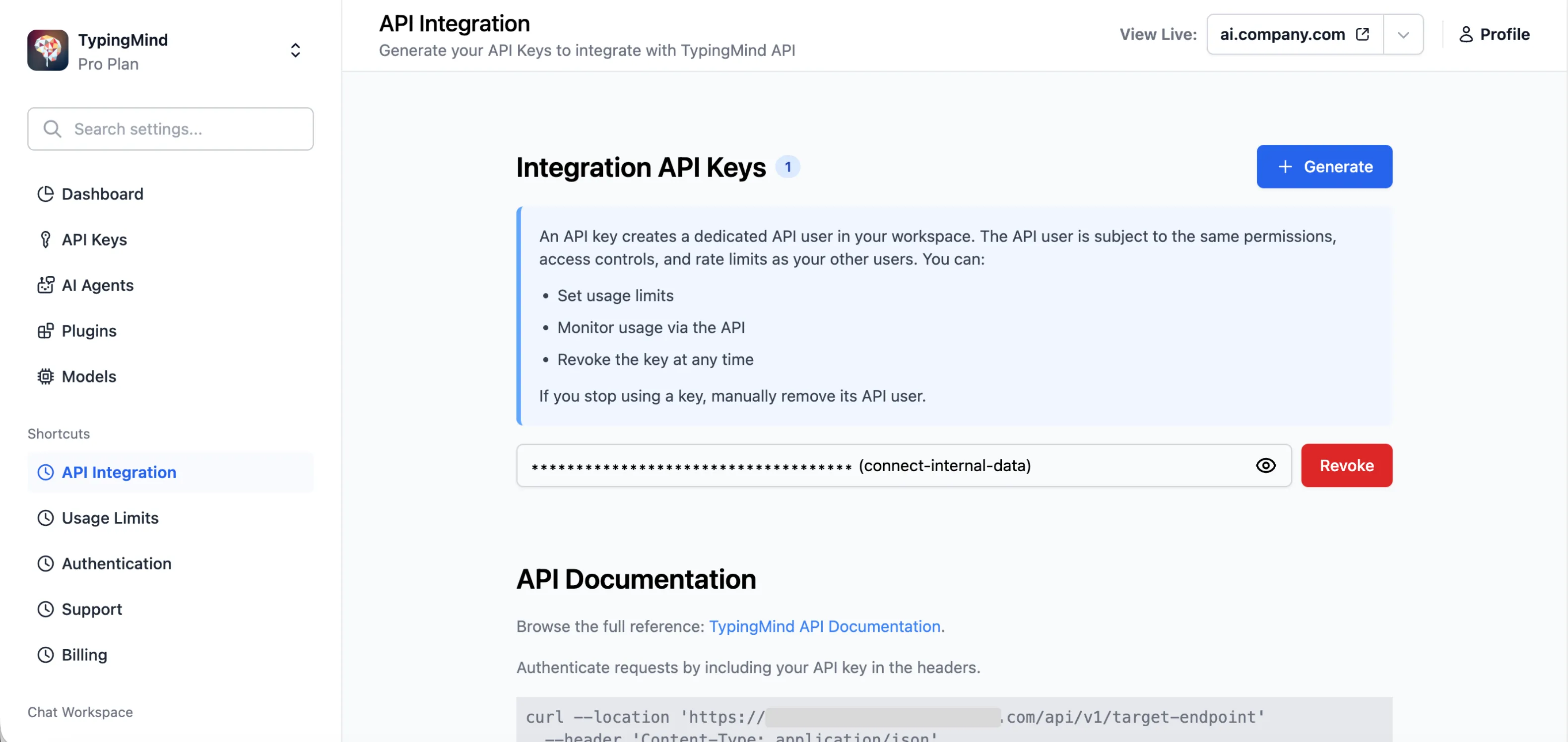
The best frontend for AI
Advanced chat UI for AI. All models in one place. Private and local.

20,641+ happy customers use TypingMind daily







❝This is the best ChatGPT client and I tested so many! So much better than the OpenAI user interface.❞

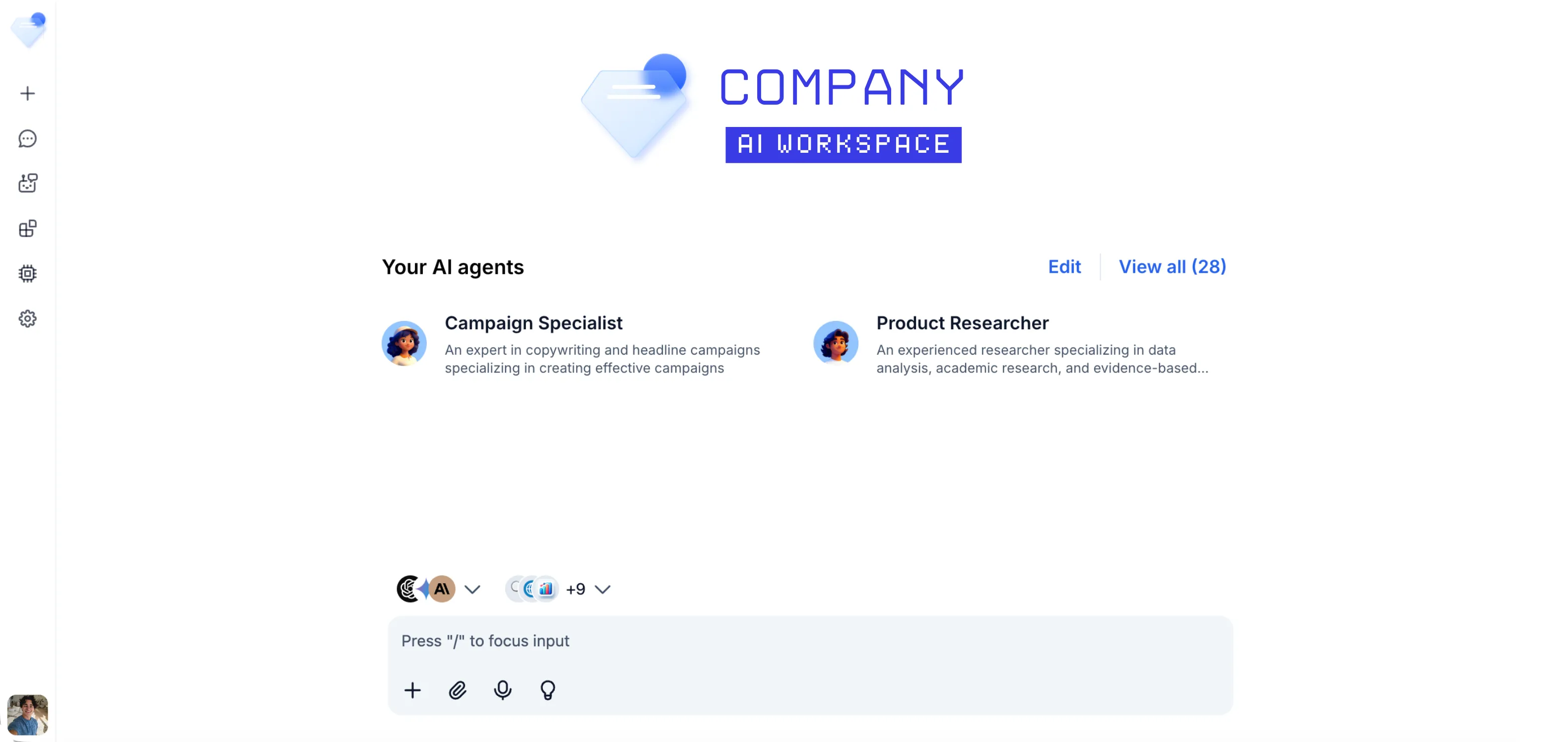
The all-in-one platform for AI chats
More than 20,641+ customers have set up their own personal AI workspaces.

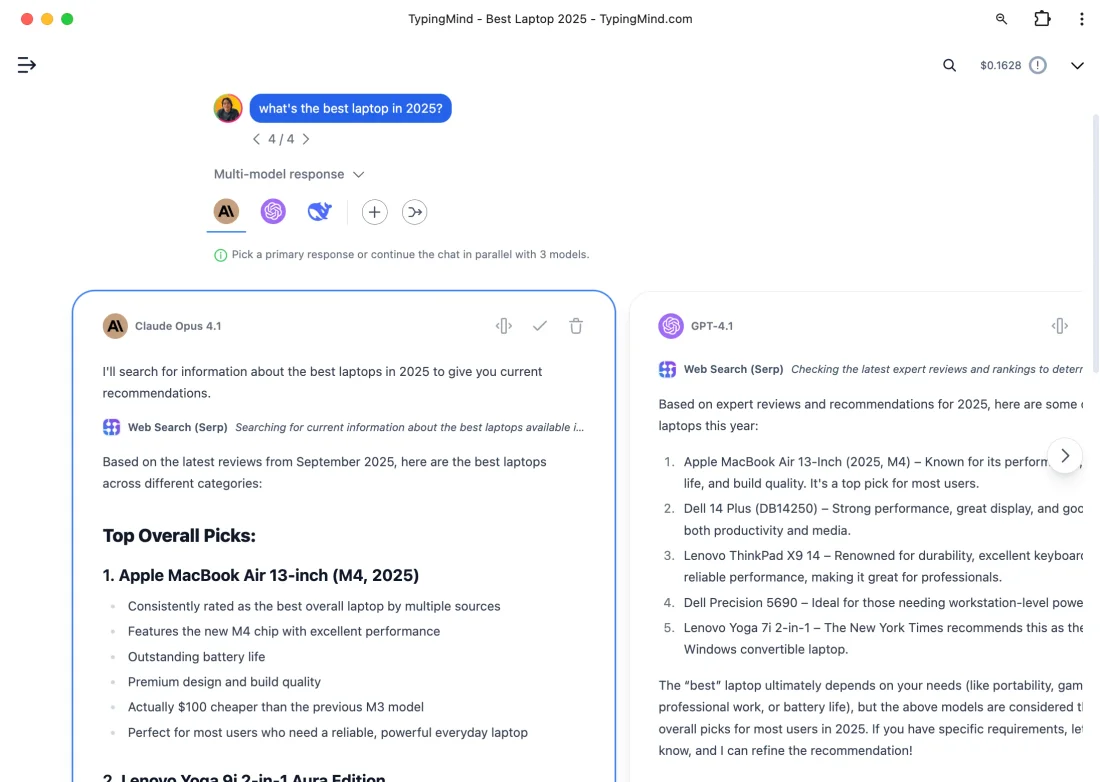
Access ChatGPT, Claude, Gemini, and any LLMs through a single interface. Seamlessly switch between different AI providers as needed.
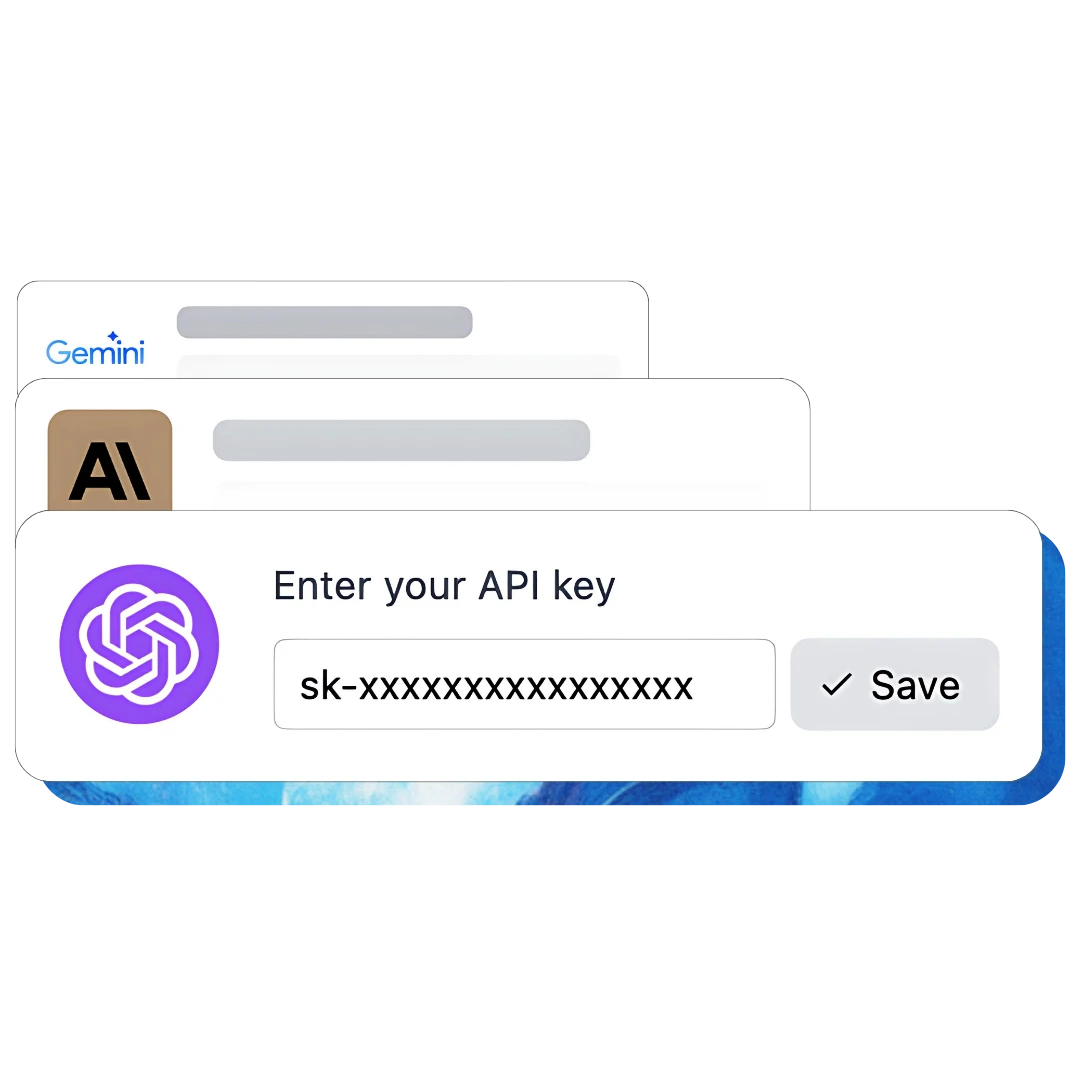
Bring your own API keys and only pay for actual usage. No recurring fees, subscriptions, or limitations on your usage.
All your data remains securely stored on your device. Zero data collection or transmission for AI model training purposes.
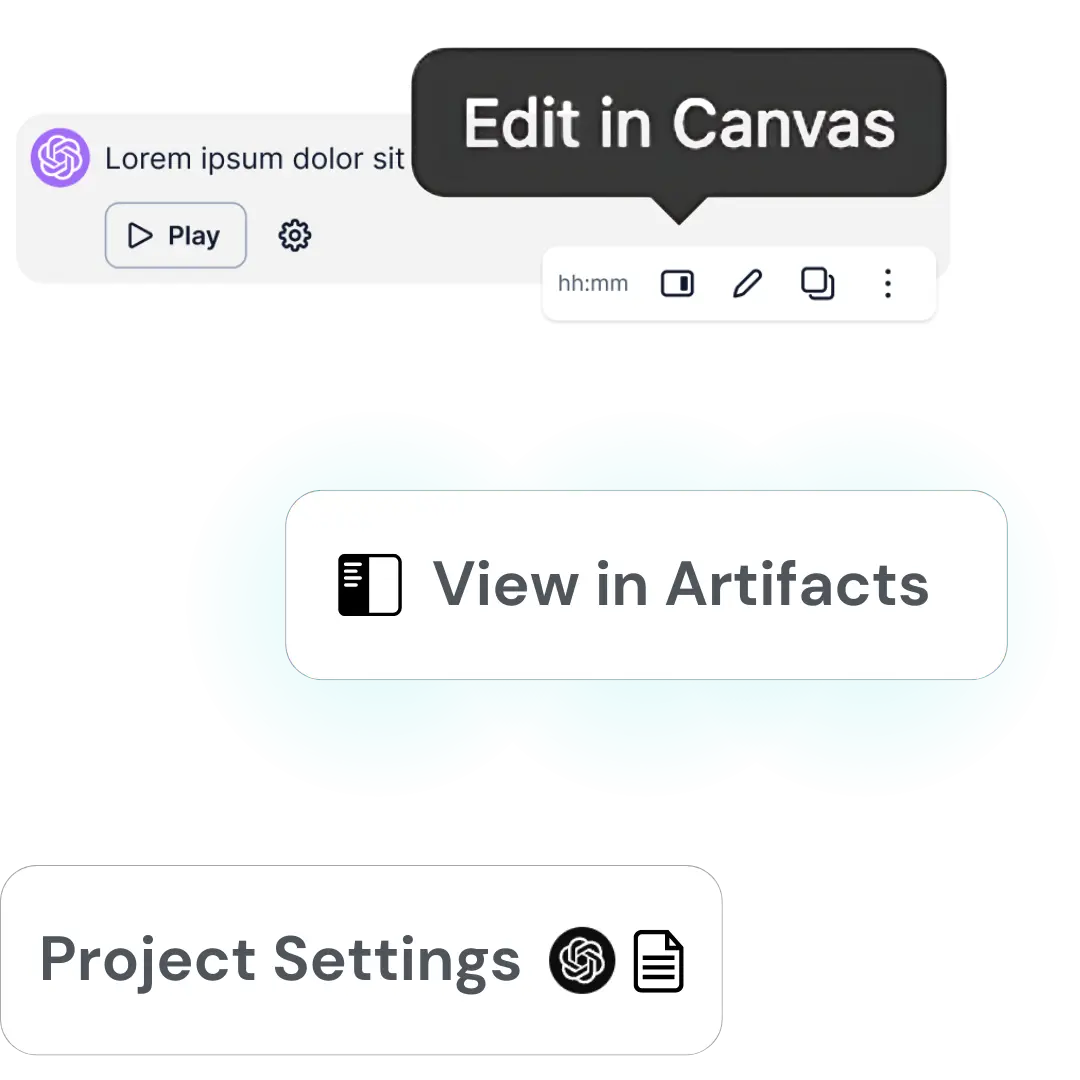
Complete suite of professional tools featuring Project settings, Canvas editors, Artifacts, and beyond.

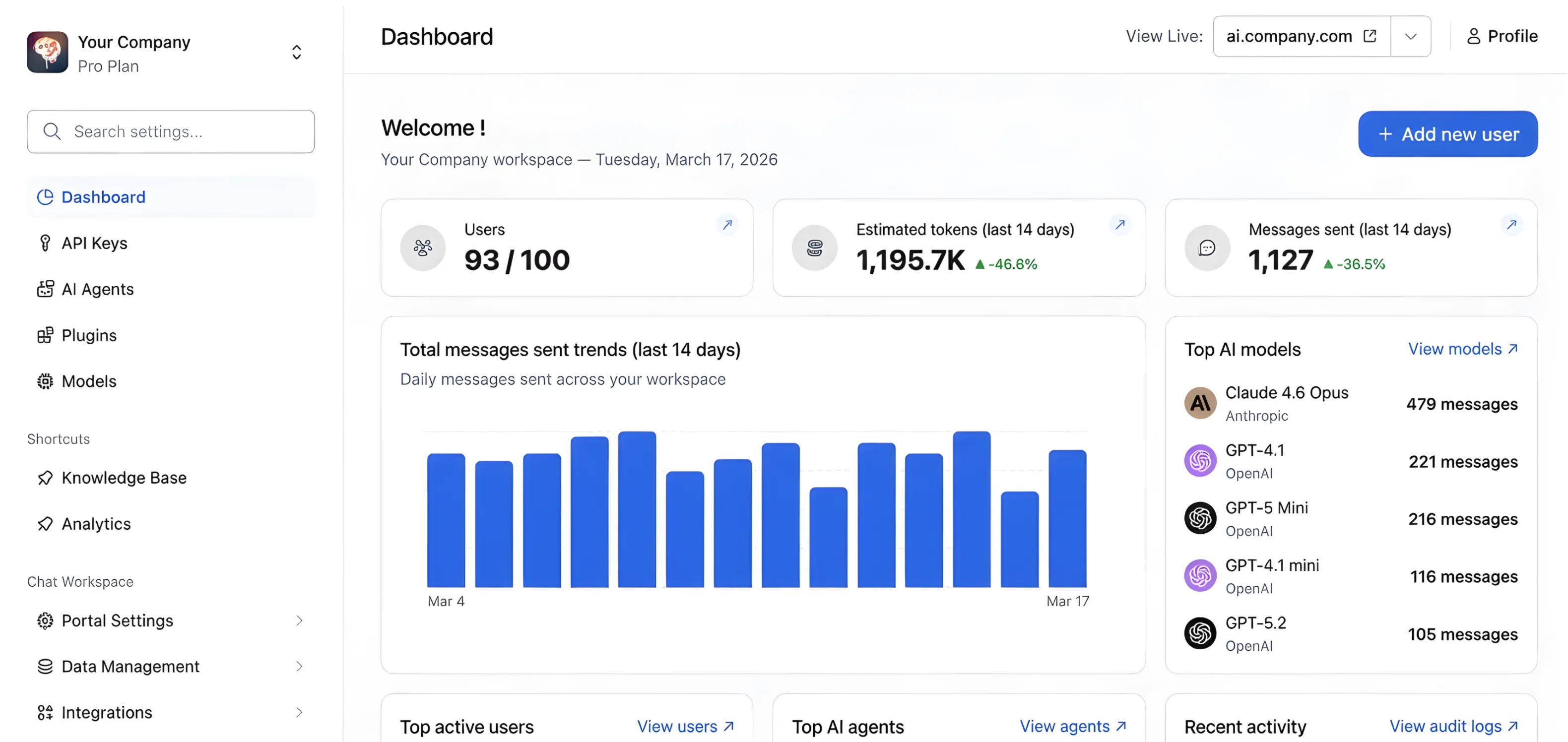
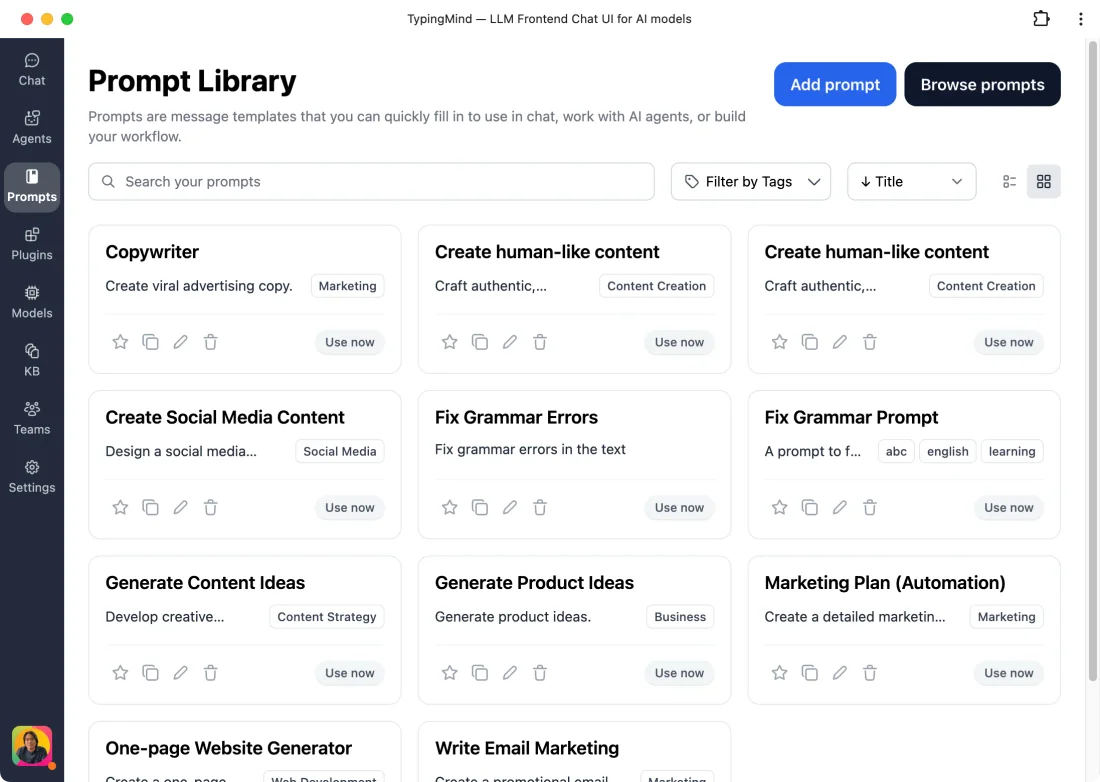
Design custom AI agents, develop plugins, and create prompts. Seamlessly integrate with your existing data infrastructure.

Enhance functionality by connecting your preferred tools and data sources through our comprehensive plugin systems.
Trusted by the world's top organizations
From universities and colleges, startups to Fortune 500 companies, TypingMind is the go-to AI workspace for their members who use AI every day in their work
Bring more value to every token
Advanced features to give you more control and power, effortlessly doubling your productivity


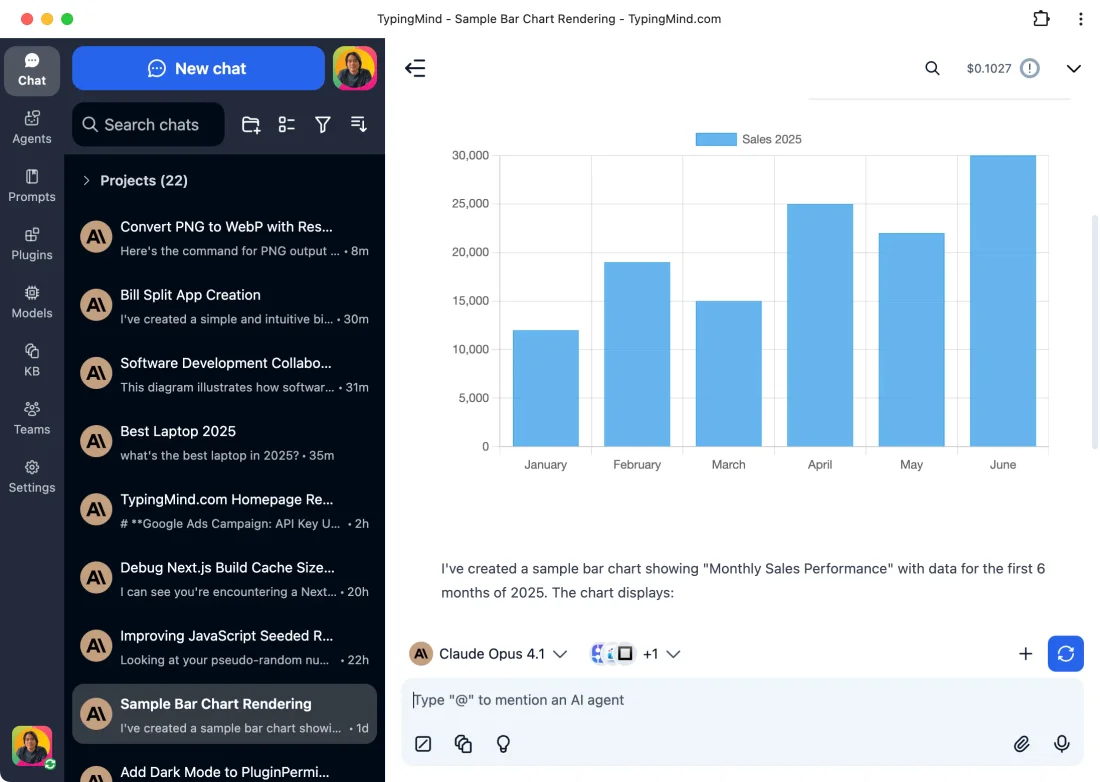
Generate interactive and editable outputs, from documents and images to more complex coding
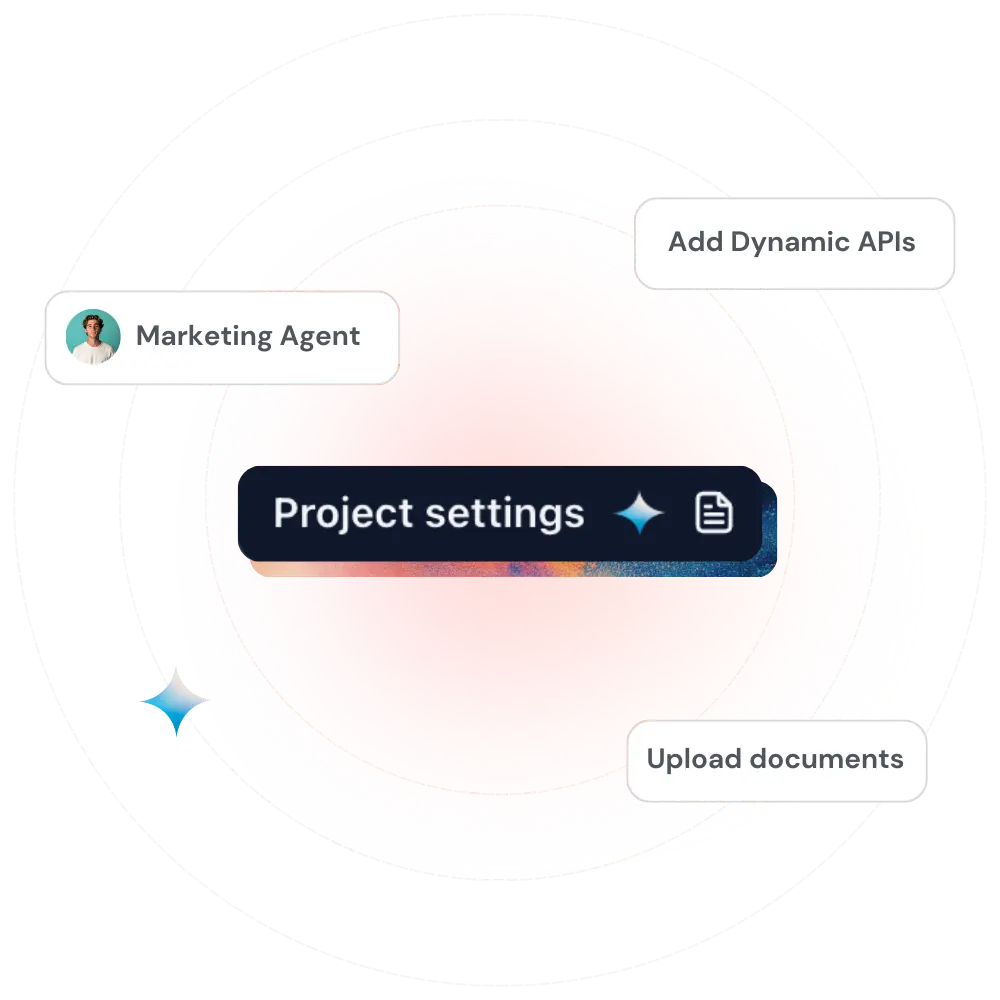
Build dedicated workspaces with chat history, knowledge bases, API content etc.
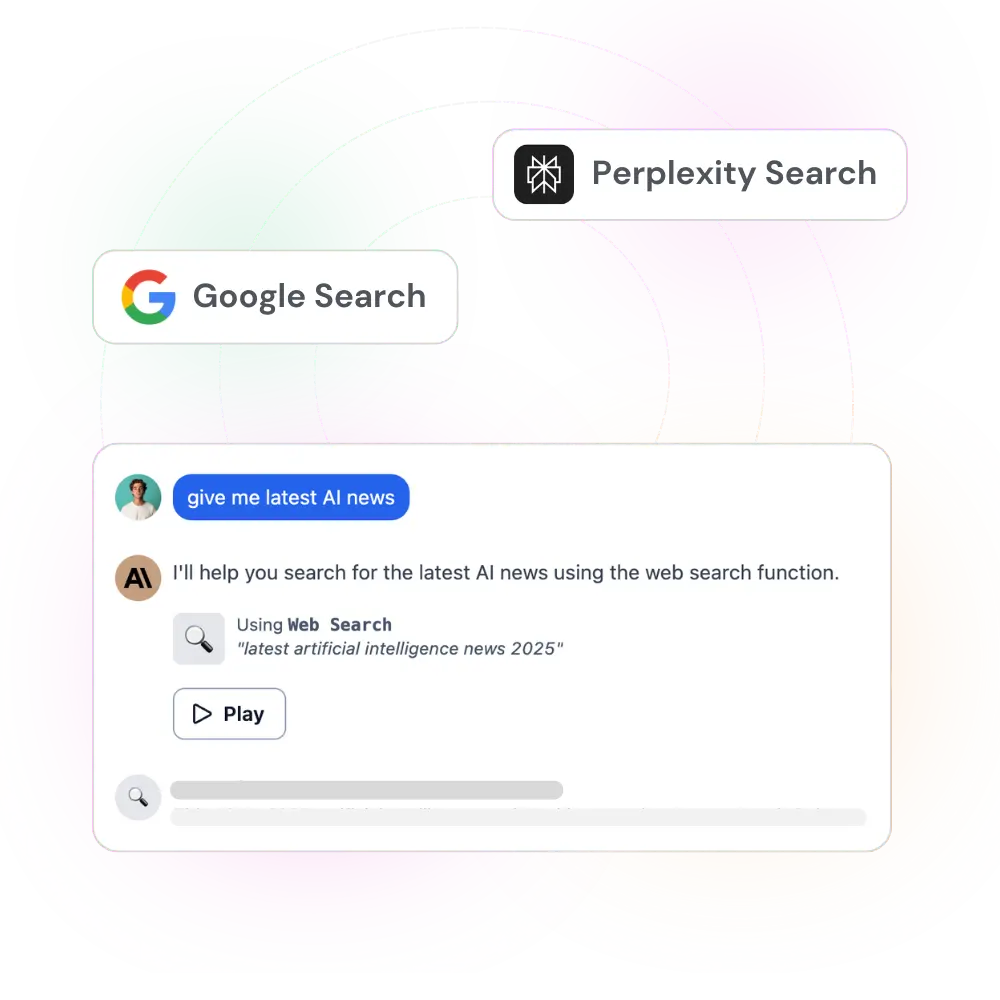
Access real-time information from the internet to improve accuracy and expand AI knowledge
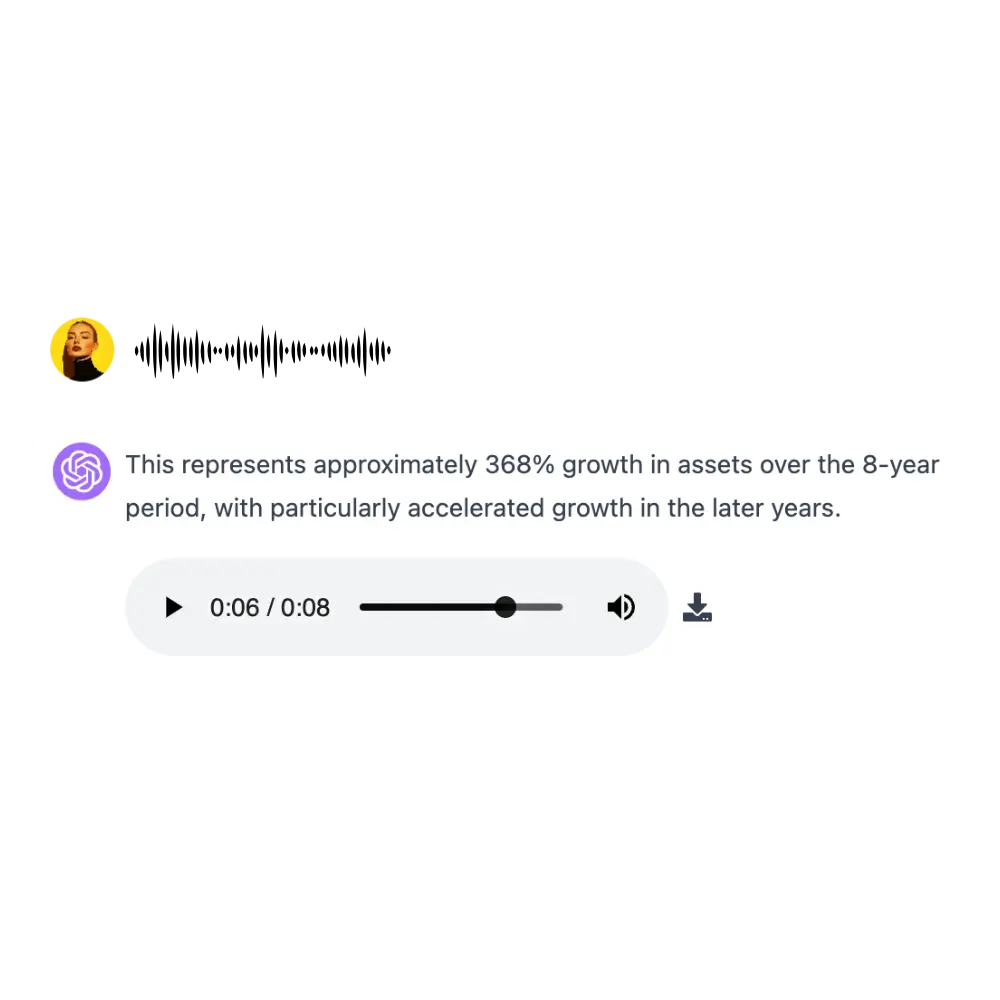
Use voice commands and listen to AI responses

Collaborate with AI on writing and coding beyond basic chat
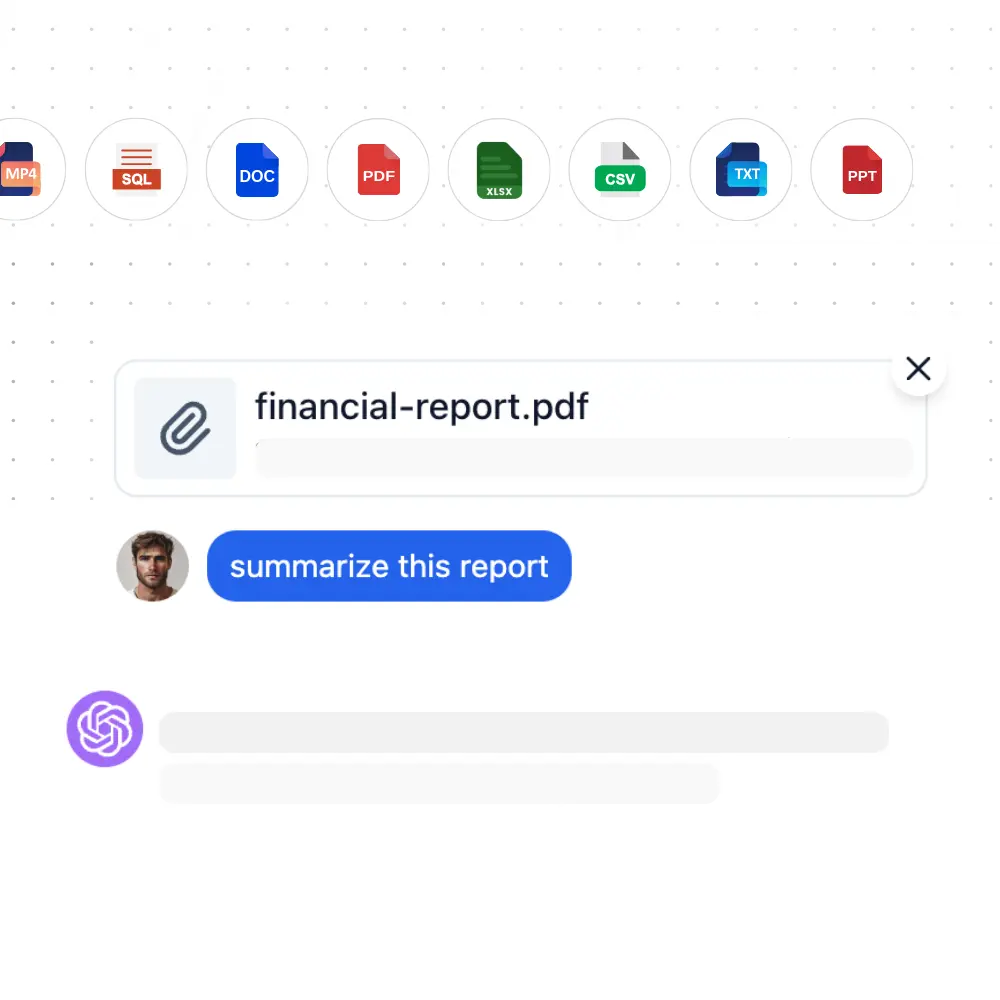
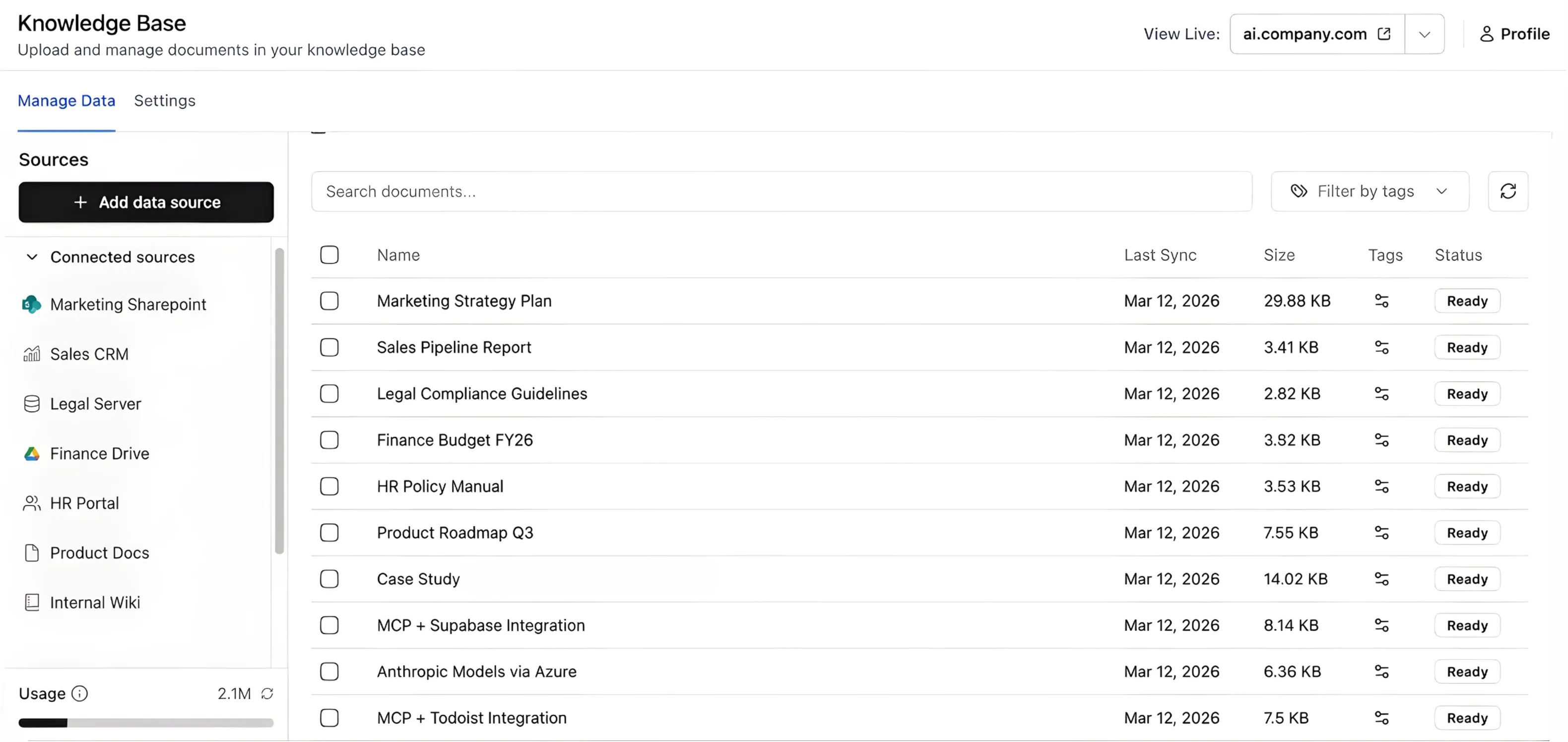
Securely analyze and discuss uploaded documents
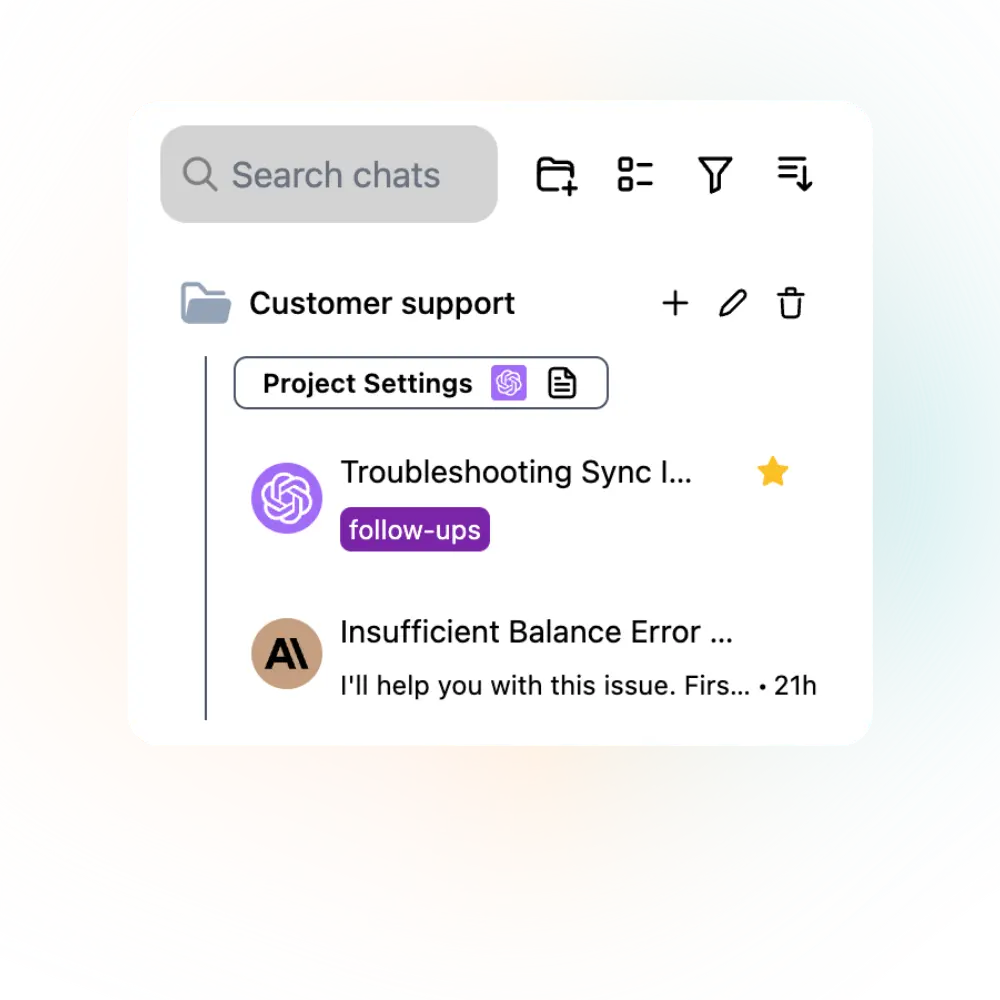
Organize conversations with search, tags, filter and more
Built for pro users
 My experience with TypingMind has been nothing but excellent... It is easy to use for the novice user and has powerful features for advanced users.— Brad Nickel



 GPT 5
GPT 5Chat with multiple AI models simultaneously, comparing responses and leveraging different model strengths in real-time.
Connect AI models with external tools and services through Anthropic's standard protocol, expanding capabilities beyond basic chat.

Reduce token costs up to 90% and speed up responses by reusing recent prompt context.
Quick conversations that aren't saved to history, perfect for testing ideas and one-off queries.
 1 / 2
1 / 2
Switch versions when editing messages, or fork to another chat for relevant discussion.
Let me retrieve your sales data in 2025 for youSearching Knowledge Base...Upload documents and connect external sources like GitHub, Notion, Google Drive for AI models to access your specific data.
 Deep Research ›
 Deep Research Research Plan...Here is the planned approach for this research task:...Deep Research Search Web...Deep Research Extract Web Page...Deep Research Research Plan...
Comprehensive research with multi-step analysis, source verification, and detailed report generation beyond basic web search.
Build smart AI agents
Add your training files

Fetch real-time data with dynamic APIs
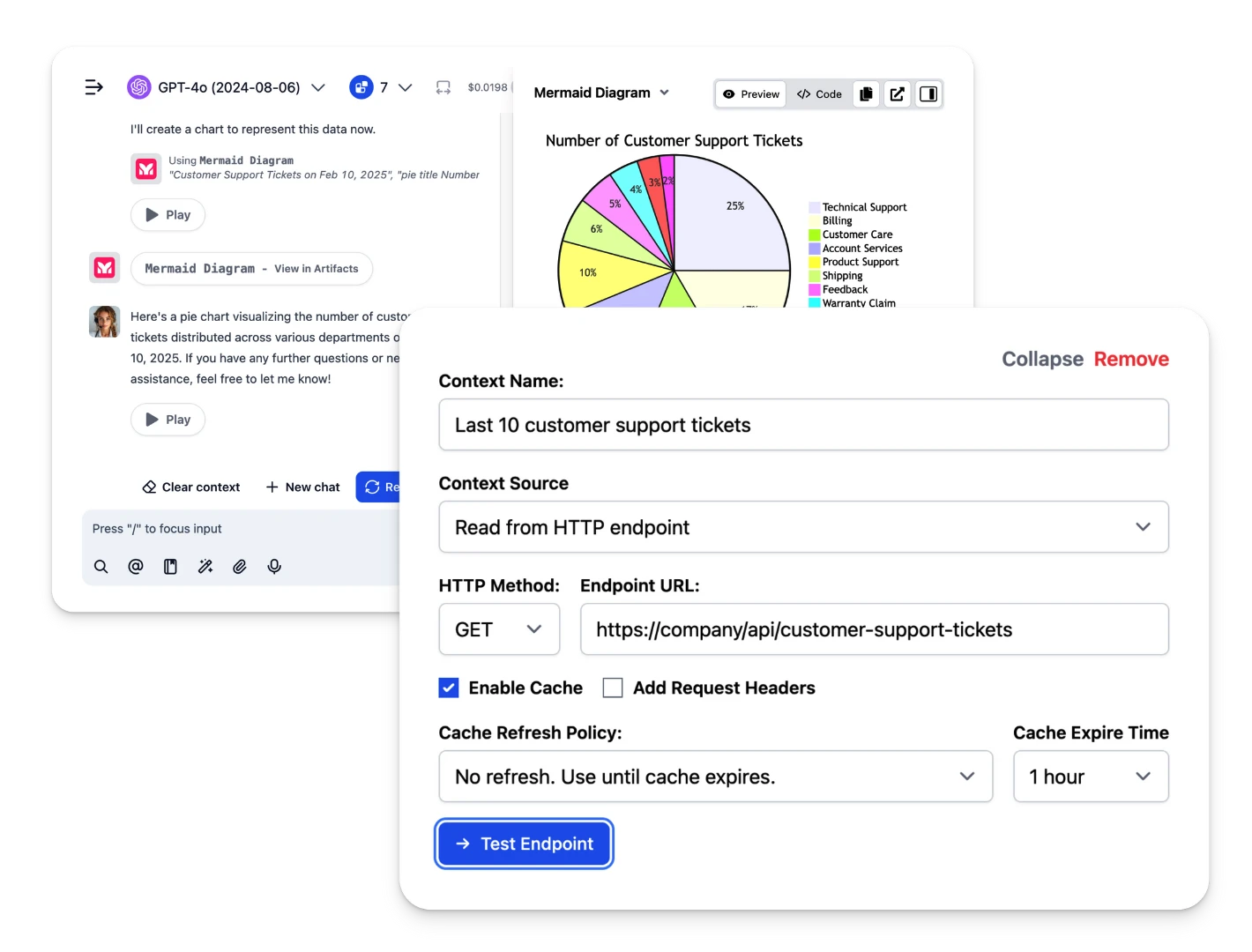
Interact with other systems via plugins

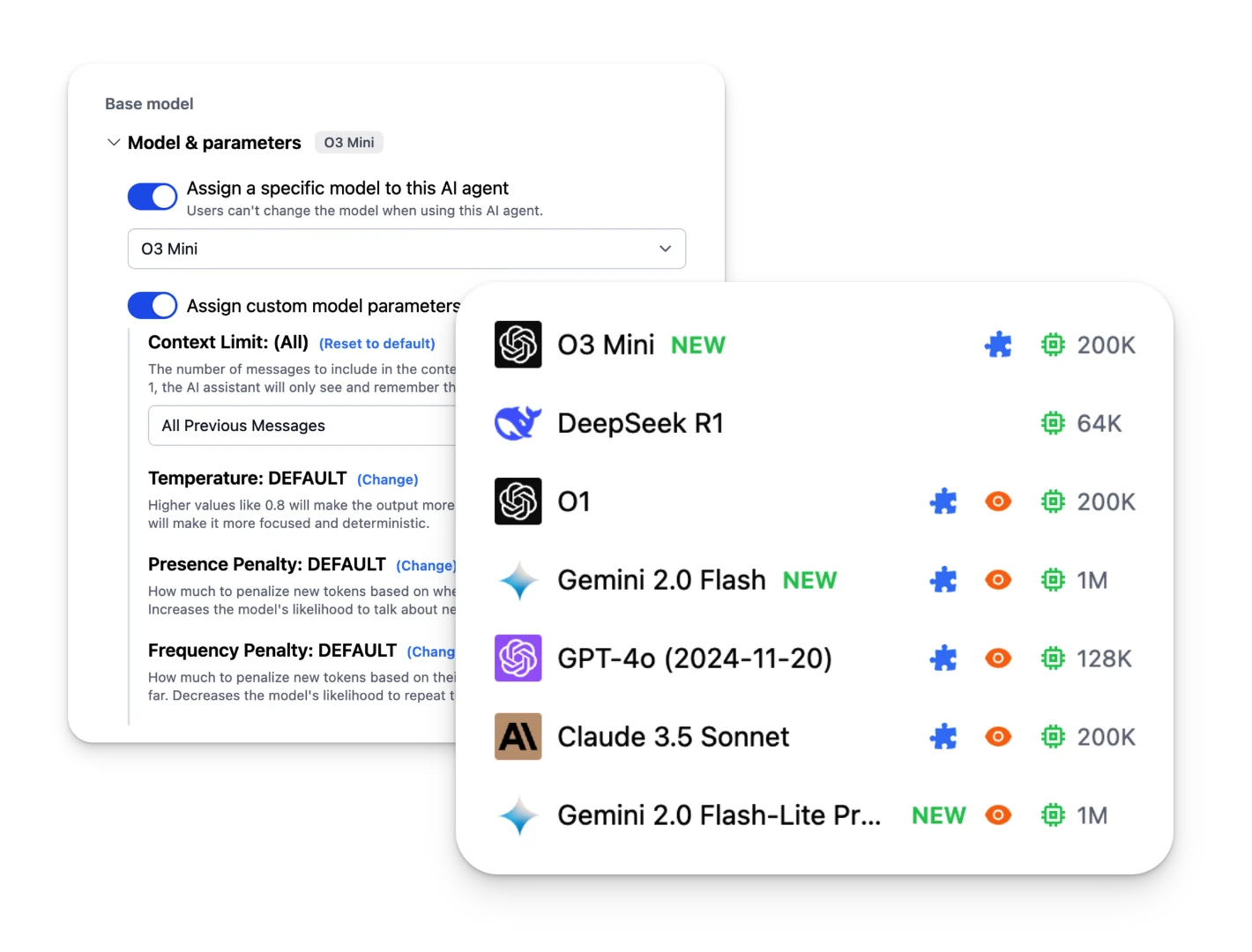
Assign any LLM for the agents
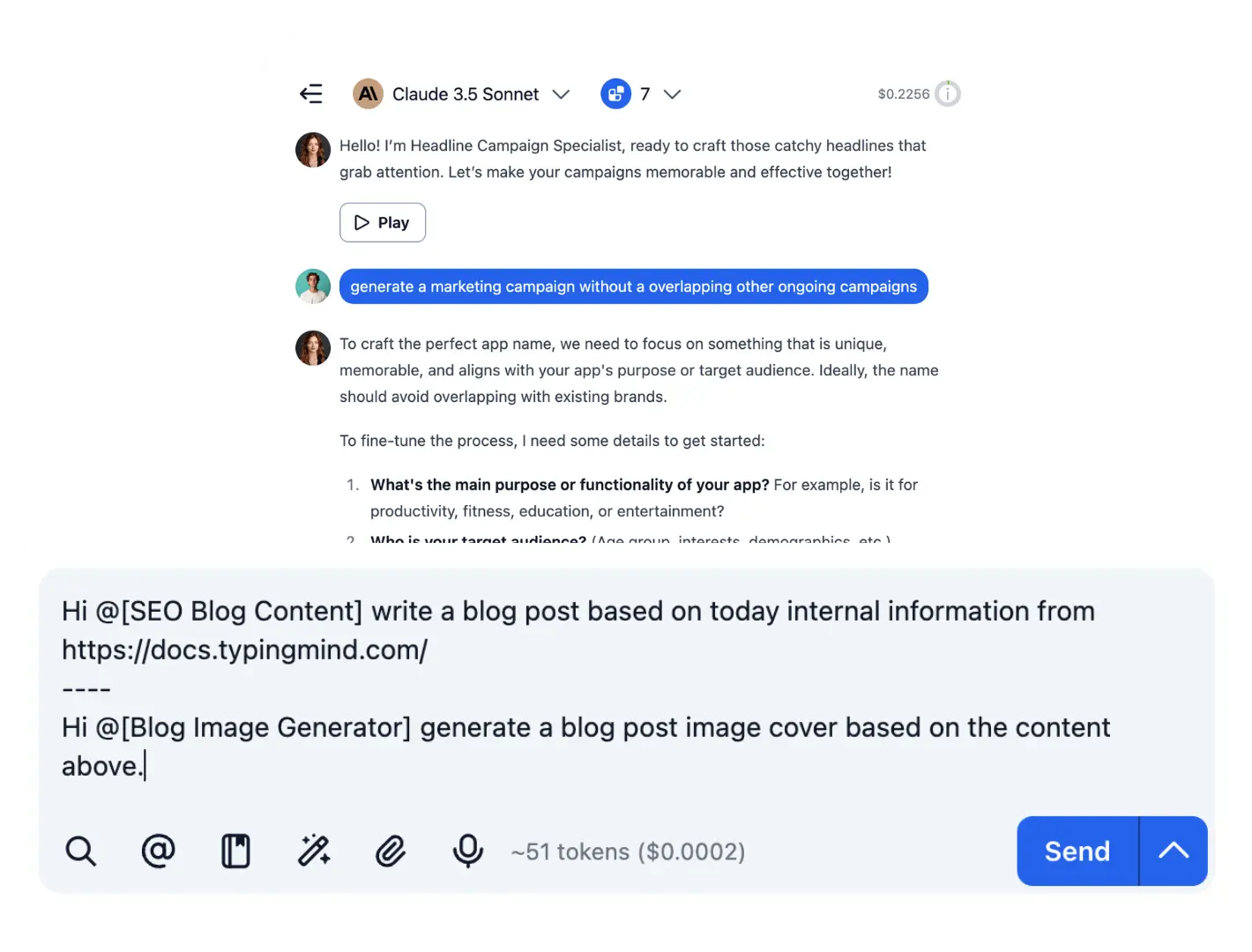
Prompt chaining
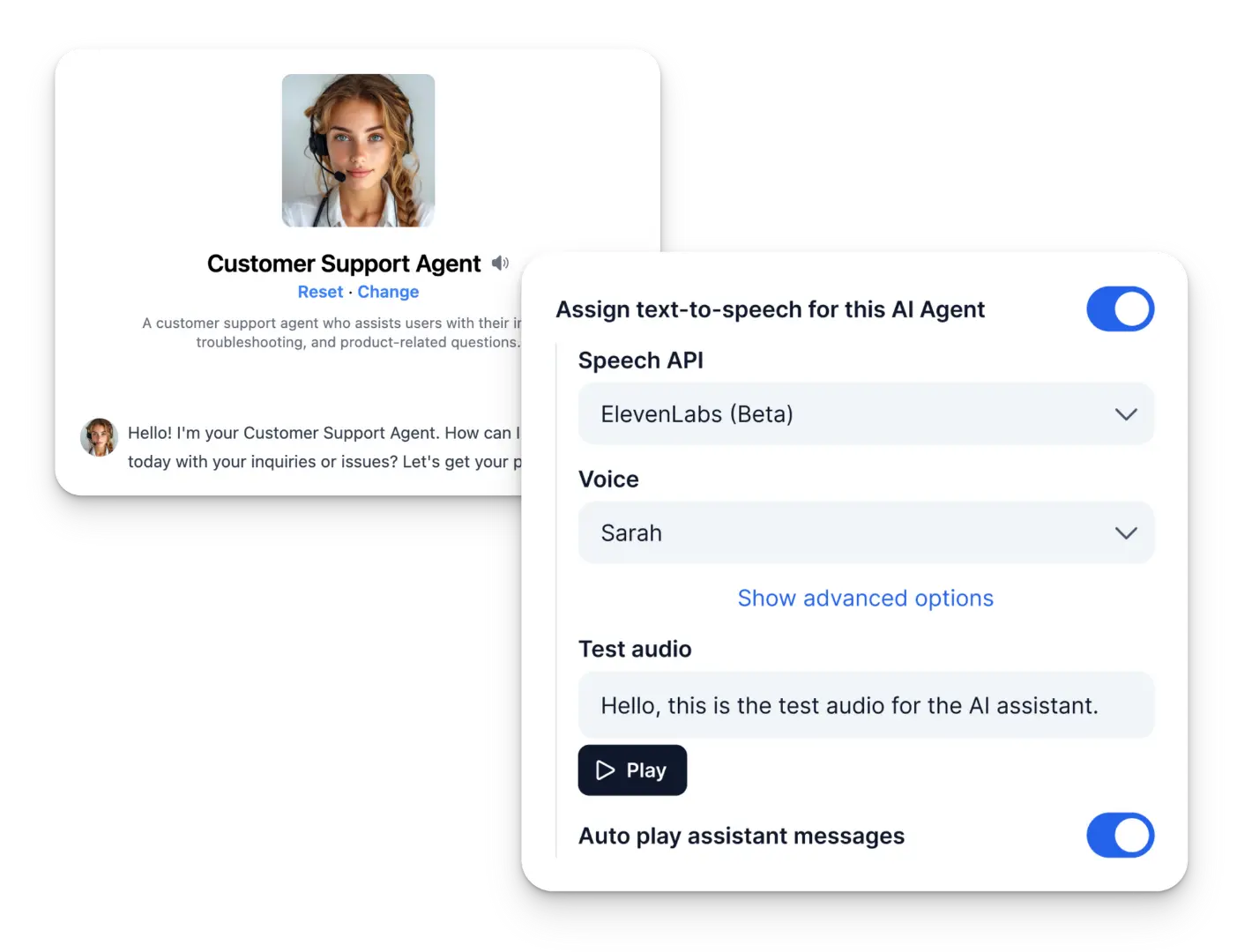
Add a voice for the agent
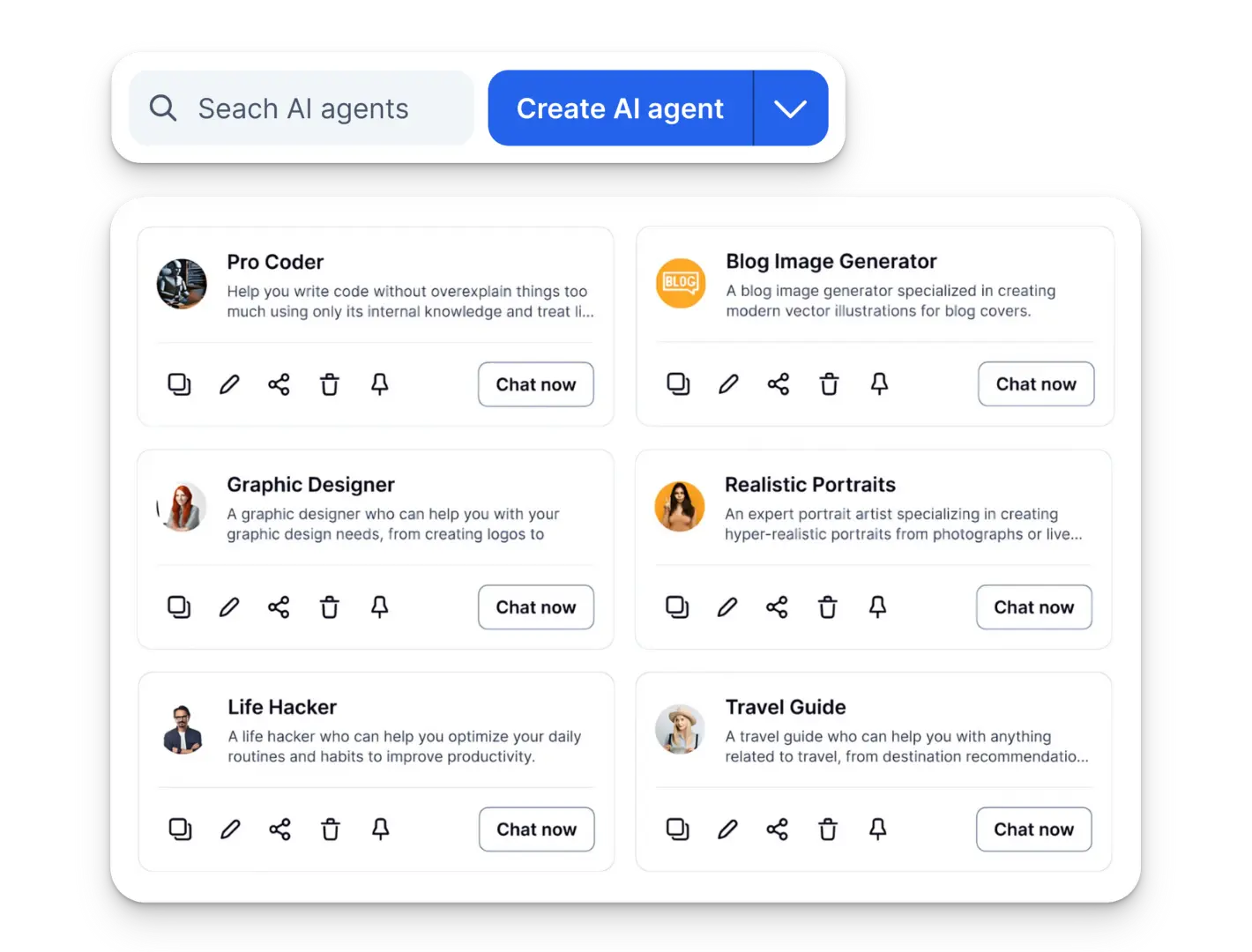
Over 50 pre-built specialized AI Agents
Use plugins or build your own
- Pre-built plugins
- Create any plugins
- Customizable outputs
- Easy integration
Web Search
Search the web for real-time information and resources.
PowerPoint Generator
Create PowerPoint presentations from structured data.
Mermaid Diagram
Generate diagrams using Mermaid.js for your projects.
GPT Image Editor
Generate AI-based images using GPT Image.
Azure AI Search
Explore AI-powered search capabilities with Azure.
Image Search
Search for images quickly and efficiently.
Slack Message Notifier
Send Slack notifications and stay updated.
Word Generator
Generate structured Word documents easily.
Firecrawl Web Page Reader
Retrieve web page content using Firecrawl technology.
Web Page Reader
Load and analyze web pages within your projects.
Web Search
Search the web for real-time information and resources.
PowerPoint Generator
Create PowerPoint presentations from structured data.
Mermaid Diagram
Generate diagrams using Mermaid.js for your projects.
GPT Image Editor
Generate AI-based images using GPT Image.
Azure AI Search
Explore AI-powered search capabilities with Azure.
Image Search
Search for images quickly and efficiently.
Slack Message Notifier
Send Slack notifications and stay updated.
Word Generator
Generate structured Word documents easily.
Firecrawl Web Page Reader
Retrieve web page content using Firecrawl technology.
Web Page Reader
Load and analyze web pages within your projects.
Web Search
Search the web for real-time information and resources.
PowerPoint Generator
Create PowerPoint presentations from structured data.
Mermaid Diagram
Generate diagrams using Mermaid.js for your projects.
GPT Image Editor
Generate AI-based images using GPT Image.
Azure AI Search
Explore AI-powered search capabilities with Azure.
Image Search
Search for images quickly and efficiently.
Slack Message Notifier
Send Slack notifications and stay updated.
Word Generator
Generate structured Word documents easily.
Firecrawl Web Page Reader
Retrieve web page content using Firecrawl technology.
Web Page Reader
Load and analyze web pages within your projects.
Web Search
Search the web for real-time information and resources.
PowerPoint Generator
Create PowerPoint presentations from structured data.
Mermaid Diagram
Generate diagrams using Mermaid.js for your projects.
GPT Image Editor
Generate AI-based images using GPT Image.
Azure AI Search
Explore AI-powered search capabilities with Azure.
Image Search
Search for images quickly and efficiently.
Slack Message Notifier
Send Slack notifications and stay updated.
Word Generator
Generate structured Word documents easily.
Firecrawl Web Page Reader
Retrieve web page content using Firecrawl technology.
Web Page Reader
Load and analyze web pages within your projects.
Perplexity Search
Find answers and resources with Perplexity.
Interactive Canvas
Run and debug code snippets in real time.
Render Chart
Visualize your data by rendering charts seamlessly.
Stable Diffusion
Generate stunning AI artwork using Stable Diffusion.
Zapier
Integrate workflows across popular services using Zapier.
Google Search
Search the web using Google’s powerful search engine.
Simple Calculator
Perform simple and quick calculations.
Market News
Stay updated with the latest market news and trends.
JavaScript Interpreter
Run and debug JavaScript code snippets in real time.
Render HTML
Render custom HTML content dynamically in your projects.
Perplexity Search
Find answers and resources with Perplexity.
Interactive Canvas
Run and debug code snippets in real time.
Render Chart
Visualize your data by rendering charts seamlessly.
Stable Diffusion
Generate stunning AI artwork using Stable Diffusion.
Zapier
Integrate workflows across popular services using Zapier.
Google Search
Search the web using Google’s powerful search engine.
Simple Calculator
Perform simple and quick calculations.
Market News
Stay updated with the latest market news and trends.
JavaScript Interpreter
Run and debug JavaScript code snippets in real time.
Render HTML
Render custom HTML content dynamically in your projects.
Perplexity Search
Find answers and resources with Perplexity.
Interactive Canvas
Run and debug code snippets in real time.
Render Chart
Visualize your data by rendering charts seamlessly.
Stable Diffusion
Generate stunning AI artwork using Stable Diffusion.
Zapier
Integrate workflows across popular services using Zapier.
Google Search
Search the web using Google’s powerful search engine.
Simple Calculator
Perform simple and quick calculations.
Market News
Stay updated with the latest market news and trends.
JavaScript Interpreter
Run and debug JavaScript code snippets in real time.
Render HTML
Render custom HTML content dynamically in your projects.
Perplexity Search
Find answers and resources with Perplexity.
Interactive Canvas
Run and debug code snippets in real time.
Render Chart
Visualize your data by rendering charts seamlessly.
Stable Diffusion
Generate stunning AI artwork using Stable Diffusion.
Zapier
Integrate workflows across popular services using Zapier.
Google Search
Search the web using Google’s powerful search engine.
Simple Calculator
Perform simple and quick calculations.
Market News
Stay updated with the latest market news and trends.
JavaScript Interpreter
Run and debug JavaScript code snippets in real time.
Render HTML
Render custom HTML content dynamically in your projects.
Privacy-first AI workspace

Data stored locally by default
Your data stays on your device by default, ensuring maximum privacy and security.
No training on your data
Your conversations are never used for AI training, guaranteeing complete confidentiality.
Encryption with password
Secure your API credentials with password encryption for an extra layer of protection.
What our customers say
With hundreds of thousands of productive users using TypingMind daily, here's what they have to say.
My go-to ChatGPT client.
I have entirely switched to TypingMind from the normal ChatGPT client.
I find the responses are typically faster than ChatGPT, which is probably due to the fact that you connect your own API key.
You can put chats in folders, search them, switch between all sorts of models... it's awesome.
This is the best ChatGPT client and I tested so many!
So much better than the OpenAI user interface. Added my gpt4 API to bypass the 25 message cap PLUS have a better user experience.
TypingMind provides customizable features, themes, layout and prompt tuning which makes session more simpler and interactive.
The intutuive and polished interface makes it easy to use and apply. This gives a prompt response and smoother experience.
I really recommend that.
Typingmind is Life
I am the early adopter of the app and I use it every day way more often than I use ChatGPT.
TypingMind is the first app on my bookmark bar for a reason - it's just that great!
It's incredibly powerful and flexible. It's like an AI Swiss Army Knife. It allows me to centralize all my interactions with the different models. [...]
I recommend it enthusiastically to anyone working with all the different LLMs and every one of them that follows my advice loves using it.
Need more details? Gotcha
- Organization & Management
- 📂 Project folders
- 📌 Pin favorite chats
- 🗑️ Bulk delete/archive chats
- 🏷️ Tags management
- 🧨 Dynamic context for projects
- AI Models & Integration
- 🔄 Auto update latest AI
- 🤖 Custom AI models
- ☁️ Azure OpenAI support
- 🔌 OpenRouter integration
- 🔚 Custom endpoints & proxy
- 🎯 Fine-tuning models support
- 🛡️ Safety settings for Gemini
- 🧠 Reasoning effort control
- 🔥 Fireworks AI integration
- ✅ Domain check integration
- 🔍 Google/Kagi/Brave for search
- Chat Experience
- ⚡ Stream AI responses support
- ⚡️ Parallel chat support
- 🔀 Fork chat feature
- 🕒 Message timestamp display
- 🧹 Clear chat context
- 🔁 Reset/Stop chat function
- ✏️ Edit message function
- 💭 Conversation starter templates
- 📍 Pin favorite messages
- 🔔 Sound notification
- Document & File Handling
- 📄 Chat with PDF
- 📥 Upload various file types
- 🎥 Chat with videos
- 📚 Upload files for AI agents
- 📊 Upload XLSX files
- 📋 RAG (Retrieval Augmented Generation)
- Voice & Audio
- 🎤 Multi-language voice input
- 🗣️ TTS via ElevenLabs
- 🔊 OpenAI TTS
- 🎵 Custom voice creation
- 🎧 Upload audios for transcription
- 🎙️ Azure Whisper for STT
- 🗩 Groq Whisper for STT
- 💻 Local Whisper setup
- Customization & Settings
- 🌙 Beautiful dark mode
- 🌡️ Temperature settings
- ⚙️ Custom parameters for models
- ⌨️ Customize keyboard shortcuts
- 📝 Change text size
- ↔️ Customize sidebar width
- 🎨 Change theme for sidebar
- 👥 Multiple profiles setup
- Plugins & Extensions
- 🔍 Web search plugin
- 🖼️ Image search plugin
- 🎭 Dall-E 3
- 🎴 Stable Diffusion v3
- 📱 Web page reader
- 📰 Market news
- 🔆 Azure AI search
- 🔎 Perplexity search
- 📊 Powerpoint generator
- 📜 Word generator
- 📉 Mermaid diagram
- 🖌️ Interactive canvas
- 🧩 Browser extension support
- 🔧 Multi-function plugins support
- 🔍 Deep Research plugin
- Sharing & Export
- 📤 Export/import chats
- 📋 Quick share chats
- 💾 Export settings to JSON
- 📨 Export multi-chats as JSON
- AI Agents
- 🦾 Pre-built AI agent library
- 🔳 Assign plugins
- 🎚️ Add custom parameters
- 📧 Assign AI agents to Projects
- Prompt Library
- 🌟 50+ community prompts
- 🔧 Add template variables
- ⛓️ Workflow by Prompt Chaining
- 🤖 Mention AI agents
- Cost & Performance
- 💰 Cost estimation
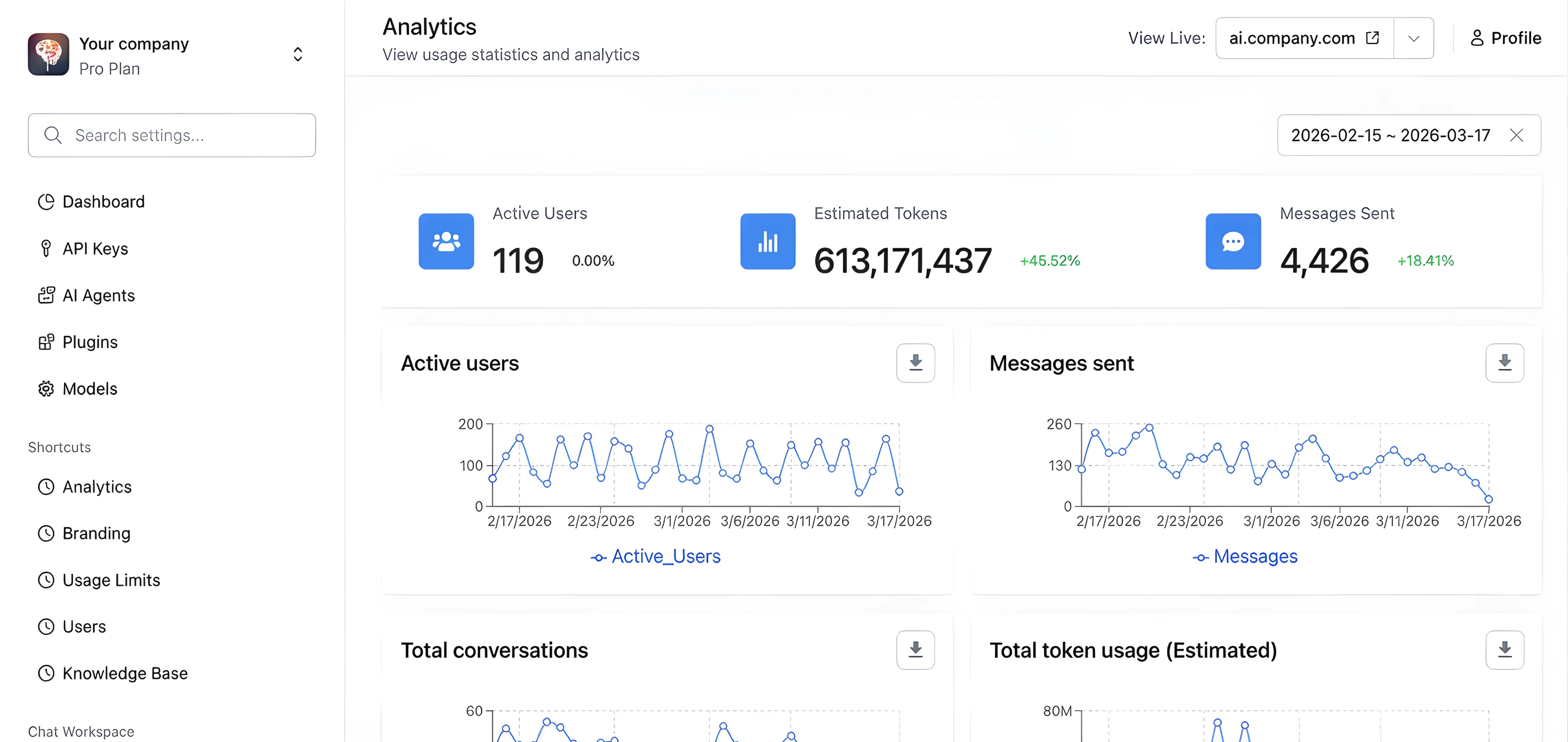
- 📊 Token usage tracking
- 📏 Context length indicator
- ⚗️ Max token setting
- 🧮 Cost estimation calculator
- 🧠 Prompt Caching
- Security and Privacy
- 🏠 Local private by default
- 🔐 API key encryption
- 🛡️ No chats used for training
- Cloud & Sync
- ⛅ Manage cloud storage
- 📎 Include/exclude attachments in sync
- 🔃 Auto-manage archived chats
Frequently asked questions
Is this app free?
TypingMind.com is free to use with some basic features. You will need to have a working OpenAI API Key in order to use the app. When you use the OpenAI API Key, you pay directly to OpenAI for the amount of credits/tokens you use. TypingMind.com has premium features that can be unlocked with a one-time purchase.
Is the License Key one-time purchase? Do I need to renew it?
Yes, license key is one-time purchase and valid forever. It is not a subscription and you don't need to renew it. You will also be provided with an offline static web app (self-host) after you purchase so you can self-host and use the app anytime anywhere you want. Enjoy!
Where can I get an OpenAI API Key?
You can signup directly with OpenAI at https://platform.openai.com/signup
Do I need to pay for ChatGPT Plus ($20/month) to use TypingMind.com?
No! A ChatGPT Plus subscription is not needed. You just need to have an OpenAI's API Key. You can see more info on how to get one here: https://openai.com/blog/openai-api
Do I need to pay for OpenAI for a ChatGPT API Key?
Yes. You need to have an OpenAI account and a valid API key to use ChatGPT. We don't sell API keys.
How does this app work?
This is a static web app, it doesn't have any backend server. When you enter your API key, it will be stored locally and securely on your browser. All API requests are sent directly from your browser to OpenAI server to interact with ChatGPT. Think of this as a HTTP client for your ChatGPT API with a lot of convenience features.
How is the API key handled?
Your API is safe and stored locally on your device. This is a static app, which means that it doesn't have a backend. All the data is stored in your browser's local storage. Requests to Open AI's API is sent directly from your current browser (check the Network tab in your console if you want to see it).
Is it ok to give my OpenAI API Key to TypingMind? Does OpenAI allow this use case?
Yes. TypingMind only stores your API Key locally and never sends your API Key anywhere. OpenAI allows use cases where the API key is stored locally in the user's device. You can see this official response from OpenAI's staff here: https://community.openai.com/t/openais-bring-your-own-key-policy/14538/4
Is my API Key encrypted in local storage?
TypingMind offers additional encryption for your API Key. You can enable encryption with a password by clicking the "OpenAI API Key" button in the sidebar and selecting "Encrypt API key...". Your API Key will be encrypted using the AES algorithm provided by the open-source CryptoJS library (https://github.com/brix/crypto-js). TypingMind only provides an encryption feature for your API key. Chat messages, prompts, AI agents, and other elements are stored using the standard local storage of your browser, which may or may not include encryption, depending on your browser. The encryption process are done entirely locally on your device, there is no backend server. If you use TypingMind on multiple devices, you will need to encrypt your API key on all of them, you can also set different passwords on different devices.
What's the difference between ChatGPT Plus and ChatGPT API via TypingMind?
Under the hood, ChatGPT Plus and ChatGPT API offer the same model and the same quality. You can view this on their official announcement here: https://platform.openai.com/docs/guides/chat. The initial system instruction can be a little bit different, which can be configured to make the AI output different messages from time to time.
I have ChatGPT Plus, will it cost me more to use ChatGPT API via TypingMind?
The ChatGPT API costs soooooo little you won't even notice it. Typical chat conversation is about 1000 characters, which costs ~$0.001. That's less than a cent. You can have thousands of chats and it will only costs you like $1. See official pricing here: https://openai.com/pricing#language-models
How many chats can I have?
You can have as many chats as you want as long as your device still has available disk space. All of your data is stored locally on your device by default. Typically, you can save thousands of chat conversations without problems, but that's not guaranteed. When the device storage runs out, you will need to delete old chats to save the new ones.
How can I sync my chat conversations across devices?
You can export the chats and import it on another device. You can also enable TypingMind Cloud for seamless syncing across devices. You can enable it by clicking the cloud icon at the bottom of the sidebar.
Is TypingMind Cloud included when I buy a license?
No. TypingMind Cloud account is a separate, opt-in only cloud storage service provided by TypingMind, it comes with some free storage limit and options to pay for upgrades. TypingMind Cloud is not required to use the app, and buying a license does not give you a TypingMind Cloud account for free.
Why does sometimes TypingMind responds differently than the default OpenAI's ChatGPT event with the same prompt?
TypingMind uses the same underlying model as OpenAI's default chat app. For the same prompt, it can produce different responses each time. The default chat app by OpenAI may also have some initial prompt settings that are different from TypingMind. If you don't get the response you expects, try "Re-generate Response" or tweaking the prompt.
Can I self-host it?
Yes. After you make a purchase, go to https://www.typingmind.com/self-host-guide to download the static web app and the instruction how to deploy it on your own server. Note that you will only receive the compiled code of the app, the full source code is not available because the app is not open-source. You can deploy the app anywhere without having to update any code or settings.
Do I have access to the full source code if I want to self-host?
No. The license key only grants you the permission to use and deploy the app on your own server. You do not have permissions to modify or redistribute the code. The full source code is not available for sale as the app is not open-source. You will only receive the compiled code of the app, you can deploy the app anywhere without having to update any code or settings.
What can I customize in the self-host version?
The static self-host version does not offer any customizations. Check out https://custom.typingmind.com for a custom version of TypingMind that will allow you to customize almost everything.
Is there a MacOS/Windows/Linux app?
TypingMind is a PWA compatible web app, so you can install it to your device and it will work like a native app. Click the menu of your browser → Install on Home screen.
Is there an Android/iOS/iPad app?
No, but you can add typingmind.com to your home screen. It works exaclty like an app!
License Key vs. API Key
License Key is used to activate the premium features of TypingMind.com. API Key refers to OpenAI ChatGPT API Key, and is used to connect to OpenAI's API to interact with ChatGPT. You need an API Key to use the app. The License Key is only needed if you want to use the premium features.
What are the premium features?
The premium features include: Chat Search History, Access Prompt Library, Integrations, etc. Check the pricing page for the latest details of all the premium features.
Is there an expiration date for the License Key?
The license key is valid forever.
Can I receive new updates after I buy a license key?
Depends on the license key you buy. The Premium License Key is valid forever and includes all updates forever.
What are the limitations of the free plans.
In the free plan, chat history will not be saved. You will be present with a popup every few minutes. Some other features may also be limited.
How many devices/users can I use the License Key on?
Each license key can be used on 5 devices which is typically enough for 1 user. If you need to use it on for more devices, you can buy a new license keys or add more devices to your existing license key. "Device" is counted based on the number of places where the license key is entered and the chat history is saved for continuous use. For example, if you use the app on Chrome browser on your laptop and also on your phone, that will be 2 devices. Note that the license key and chat history is saved locally per browser, so if you use the app on Chrome and also on Firefox, you will need to enter the license key 2 times, have 2 separate chat histories, and that counts as 2 devices. If you need to use the license key on a new device but have reached the device limit, you can unlink the previous devices first using the License Manager (this is done online, access to the previous devices not needed). This device limit is put in place to avoid license key abuse and pirate.
How do I remove a device from my license? How to access the License Manager?
At the moment, inactive devices will be revoked automatically after a short time, you don't need anything. In the future versions, you can access the License Manager from the app and manage your devices there.
I have purchased but forget my license key, how can I get it back?
You can go to https://www.typingmind.com/license to access your license key.
How to use the Team License (Bulk License) Key? How to add new users?
The Bulk License gives you a License Key that can be shared and used among your team members. Simply share your license key with your team members and they can use it on their devices.
How do I manage the devices that linked to my license key?
There is no need to manage your devices manually. Our license system works automatically. Inactive devices will be revoked automatically after a short time. We detect unauthorized uses and ask to verify with your purchase email when necessary.
Can I get a refund?
Yes. We offer a 14-day money-back guarantee. If you're not satisfied, let us know within 14 days and we'll give you a full refund. Request a refund at www.typingmind.com/refund
How can the business survive if this is a lifetime deal? Will I stop getting new updates and will the company abandon the product?
We have a subscription pricing plan for the Team version (at https://custom.typingmind.com), which brings us recurring revenue to support the business. We have been on the market for more than 2 years and we are here for the long run. We have pushed out more than 100 new updates over the past 12 months and will continue to improve the product and provide support indefinitely.